▄▄▄
 ▄█████▄    ▄███████████▄    ▄███████   ▄███████   ▄███████   ▄█   █▄    ▄█   █▄
███   ███  ███   ███   ███  ███   ███  ███   ███  ███   ███  ███   ███  ███   ███
███   ███  ███   ███   ███  ███   ███  ███   ███  ███   █▀   ███   ███  ███   ███
███   ███  ███   ███   ███ ▄███▄▄▄███ ▄███▄▄▄██▀  ███       ▄███▄▄▄███▄ ███▄▄▄███
███   ███  ███   ███   ███ ▀███▀▀▀███ ▀███▀▀▀▀    ███      ▀▀███▀▀▀███  ▀▀▀▀▀▀███
███   ███  ███   ███   ███  ███   ███ ██████████  ███   █▄   ███   ███  ▄██   ███
███   ███  ███   ███   ███  ███   ███  ███   ███  ███   ███  ███   ███  ███   ███
 ▀█████▀    ▀█   ███   █▀   ███   █▀   ███   ███  ███████▀   ███   █▀    ▀█████▀
                                       ███   █▀

The Omarchy Manual

Prompt

Omarchy ships with a minimal Starship prompt by default. That’s how I like to keep my prompt. I don’t need to know the user, because it’s always me, and I don’t need to know the time, because it’s always at the top.
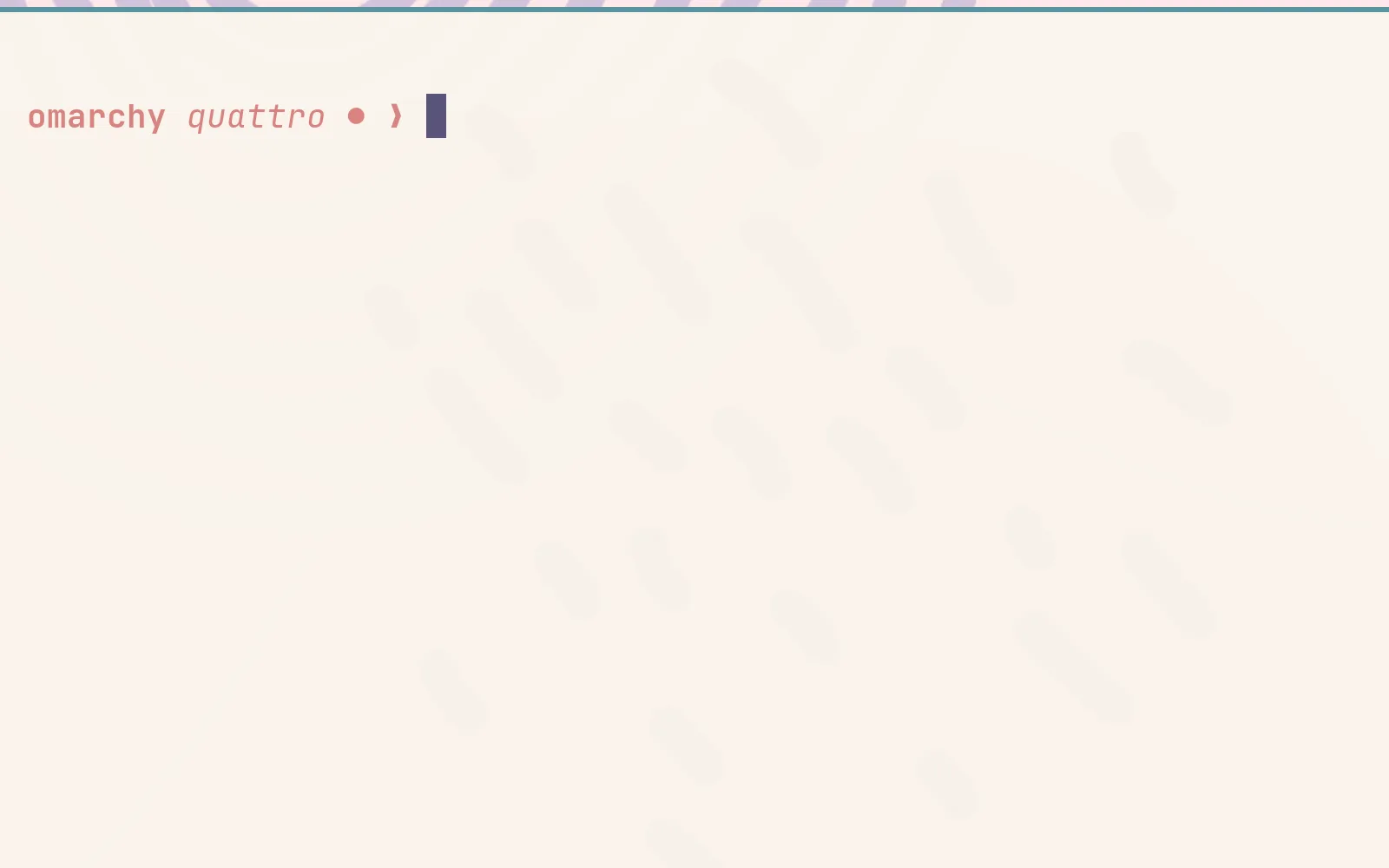
prompt

If you want more information or style, you can change the Starship.rs configuration in ~/.config/starship.toml. There’s a lot you can do. Just don’t go overboard (or do go overboard, do whatever you want, it’s your computer!)