▄▄▄
 ▄█████▄    ▄███████████▄    ▄███████   ▄███████   ▄███████   ▄█   █▄    ▄█   █▄
███   ███  ███   ███   ███  ███   ███  ███   ███  ███   ███  ███   ███  ███   ███
███   ███  ███   ███   ███  ███   ███  ███   ███  ███   █▀   ███   ███  ███   ███
███   ███  ███   ███   ███ ▄███▄▄▄███ ▄███▄▄▄██▀  ███       ▄███▄▄▄███▄ ███▄▄▄███
███   ███  ███   ███   ███ ▀███▀▀▀███ ▀███▀▀▀▀    ███      ▀▀███▀▀▀███  ▀▀▀▀▀▀███
███   ███  ███   ███   ███  ███   ███ ██████████  ███   █▄   ███   ███  ▄██   ███
███   ███  ███   ███   ███  ███   ███  ███   ███  ███   ███  ███   ███  ███   ███
 ▀█████▀    ▀█   ███   █▀   ███   █▀   ███   ███  ███████▀   ███   █▀    ▀█████▀
                                       ███   █▀

The Omarchy Manual

Notices

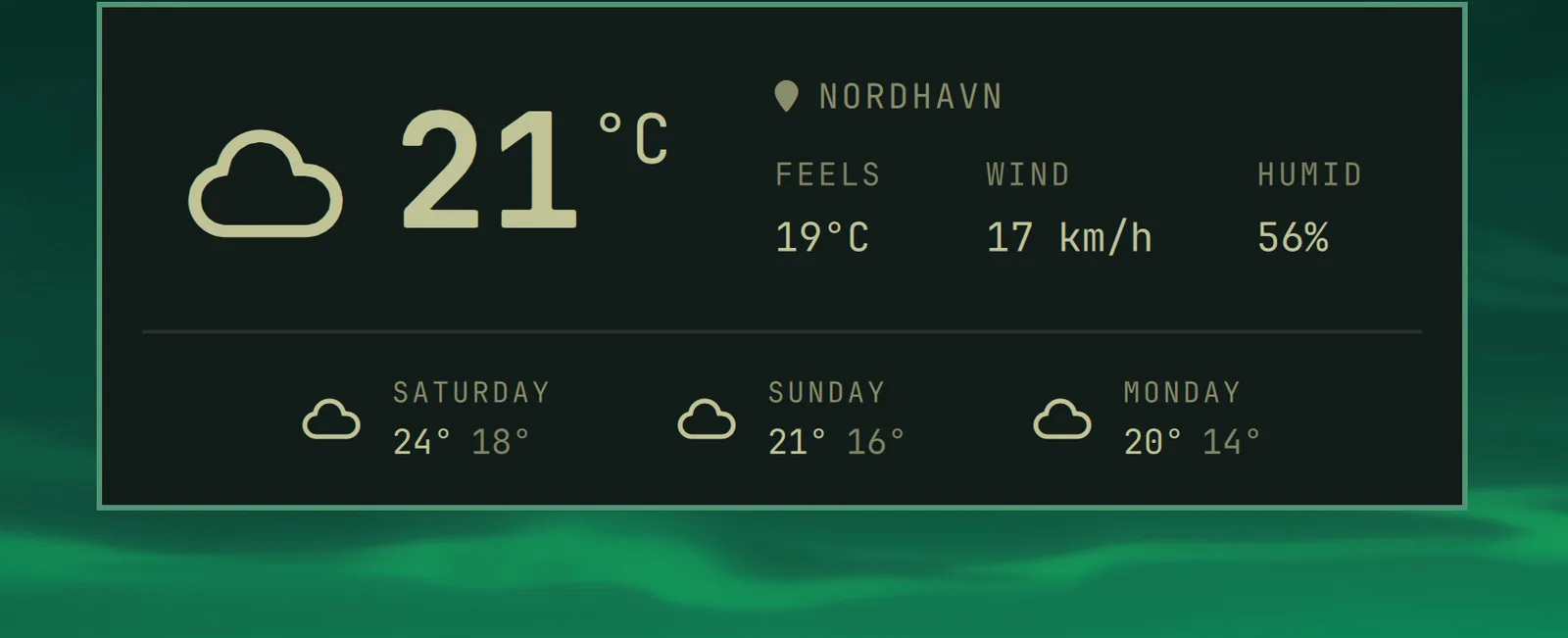
You can quickly access the date and time, battery status, and current weather using the hotkey notices.

Date & Time

Super + Ctrl + Alt + T

notice-datetime

Weather

Super + Ctrl + Alt + W

notice-weather

The location is detected from your IP address, which is usually close enough, but not always. You can pin it down with omarchy weather location --set Malibu, or be exact about it by adding coordinates: omarchy weather location --set Malibu 34.0259,-118.7798. Run omarchy weather location on its own to see where it thinks you are, and --clear to go back to auto-detection.

Battery

Super + Ctrl + Alt + B

notice-battery